Getting started
Install from the Chrome Web Store or Firefox Add-ons, pin the icon, then open any page
and click the SEO MetaHawk icon (or press Alt+M). The popup audits
the current tab instantly — no account, no setup.
The nine tabs
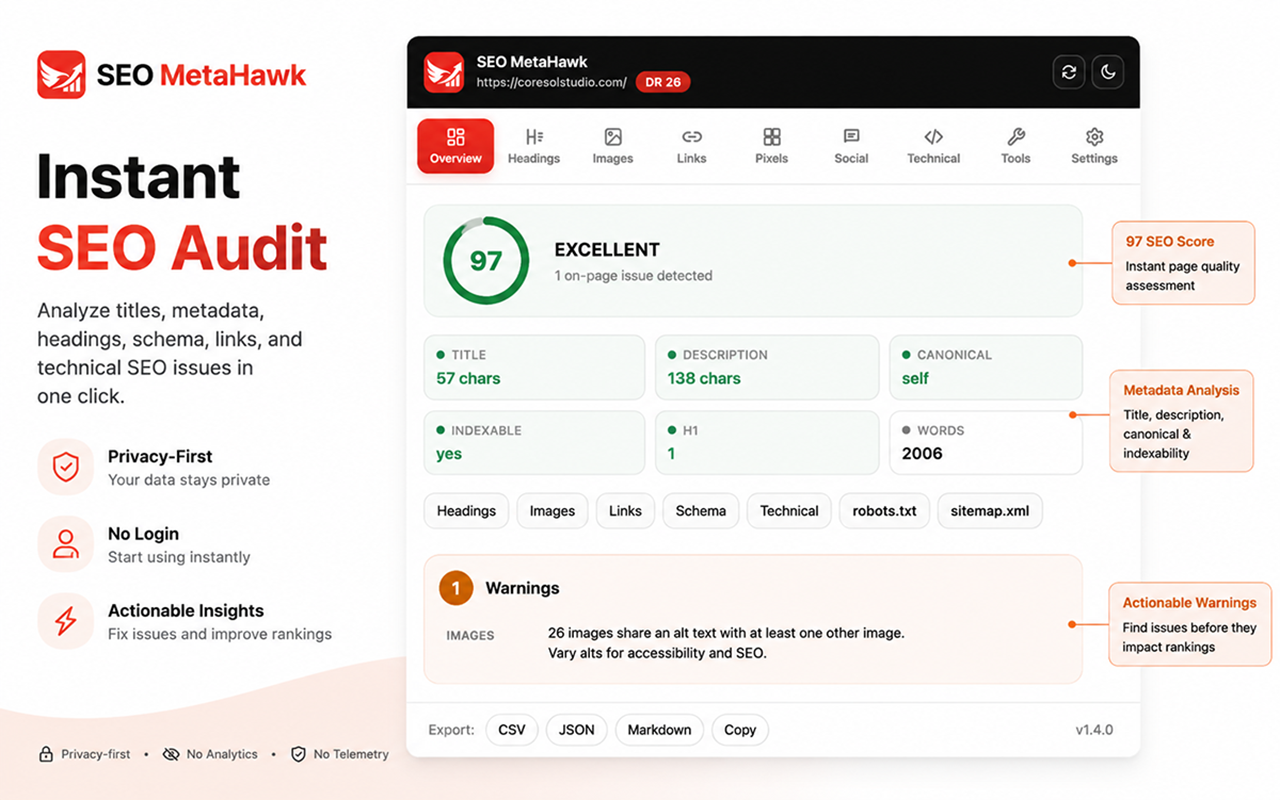
- Overview — score gauge, metadata, issues, SERP preview, keyword density.
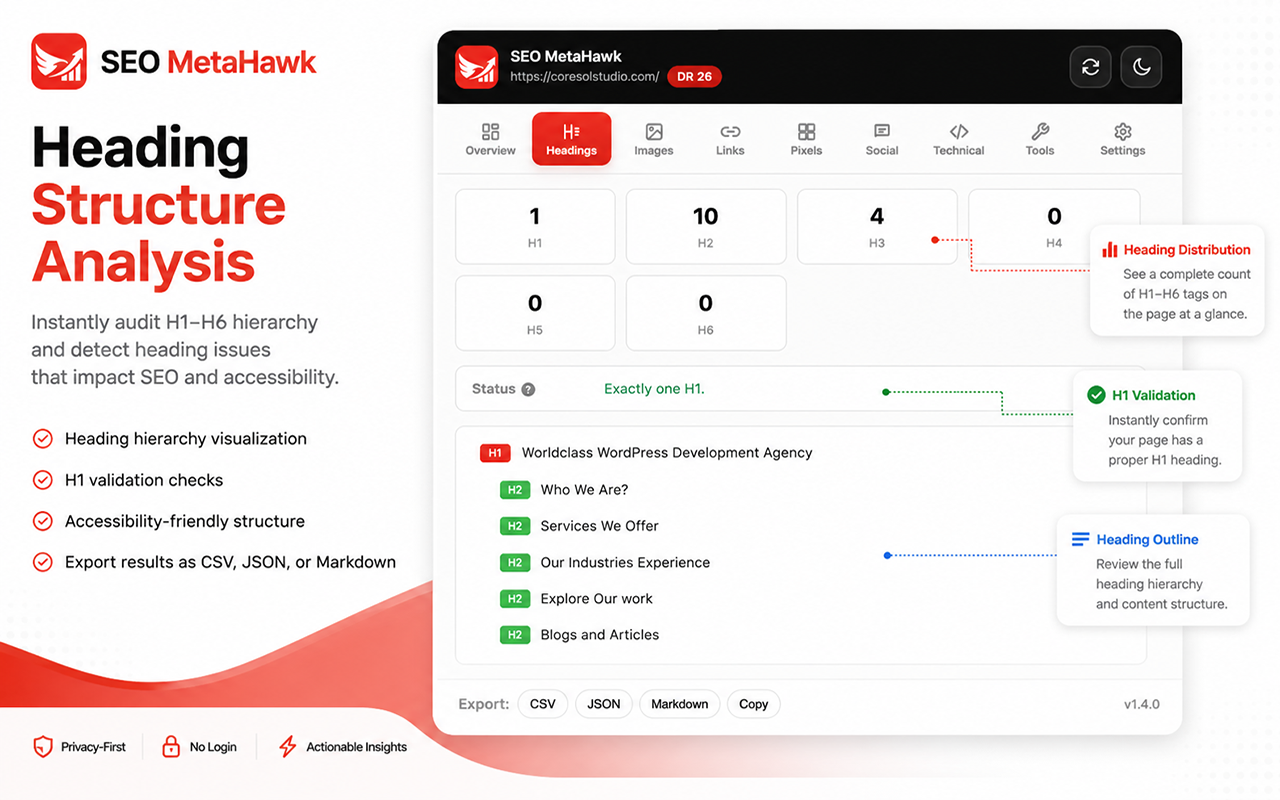
- Headings — H1–H6 outline and distribution.
- Images — alt-text audit and filters.
- Links — link grab plus the batch status checker.
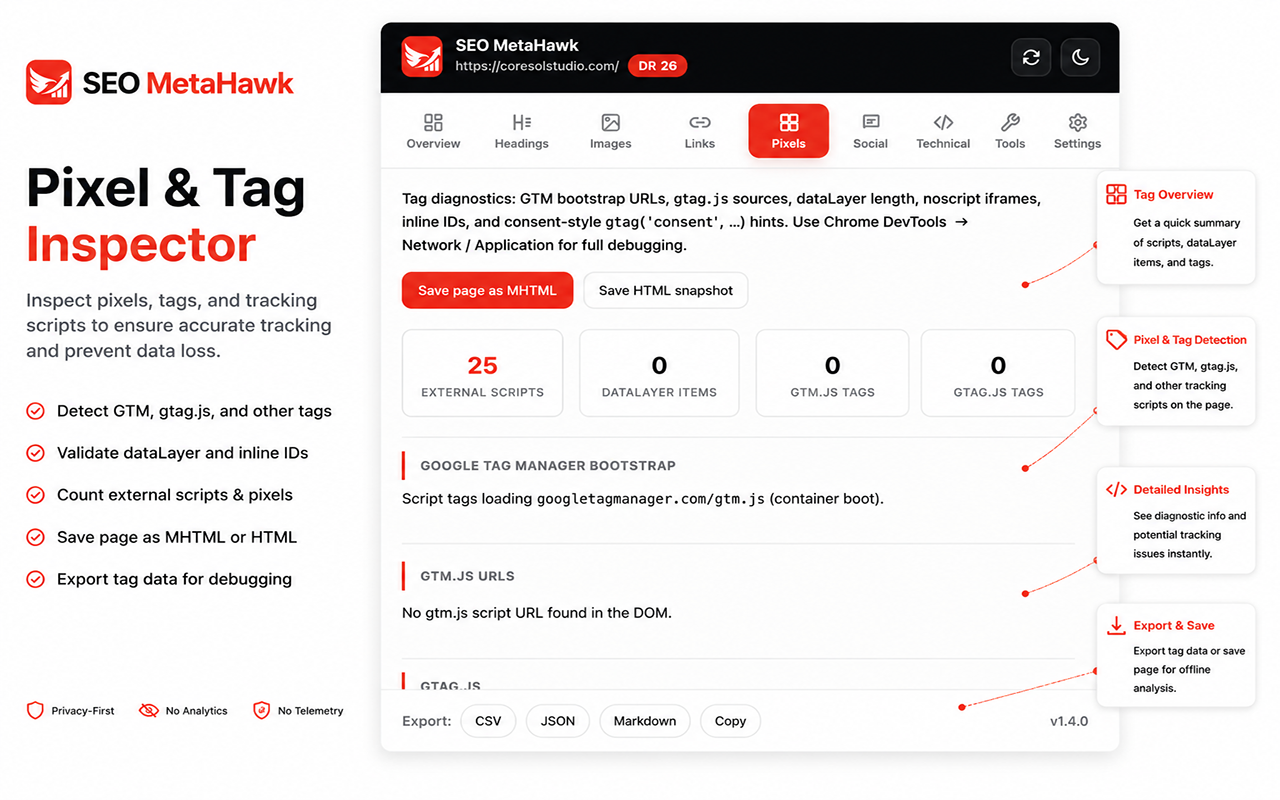
- Pixels — GTM / gtag.js / pixel diagnostics and MHTML save.
- Social — Open Graph / Twitter previews and schema validator.
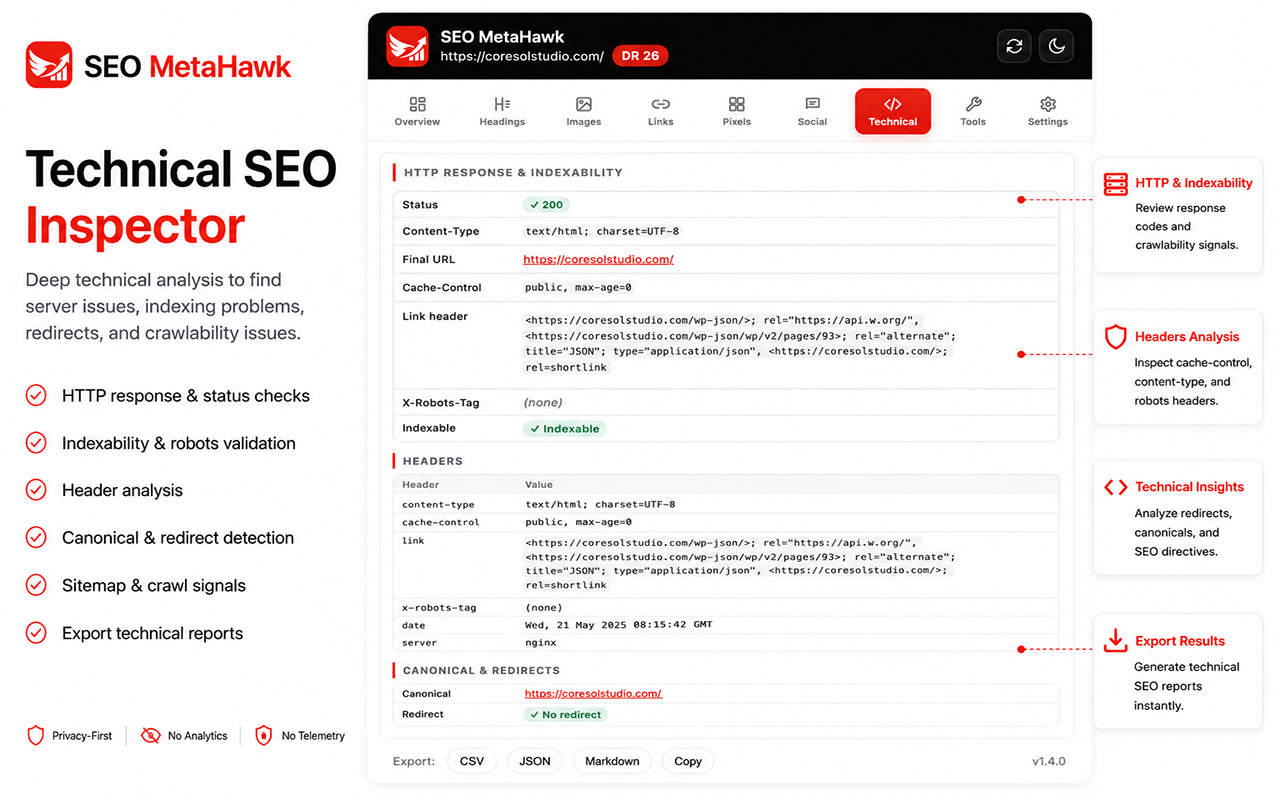
- Technical — headers, indexability, hreflang, robots, redirects.
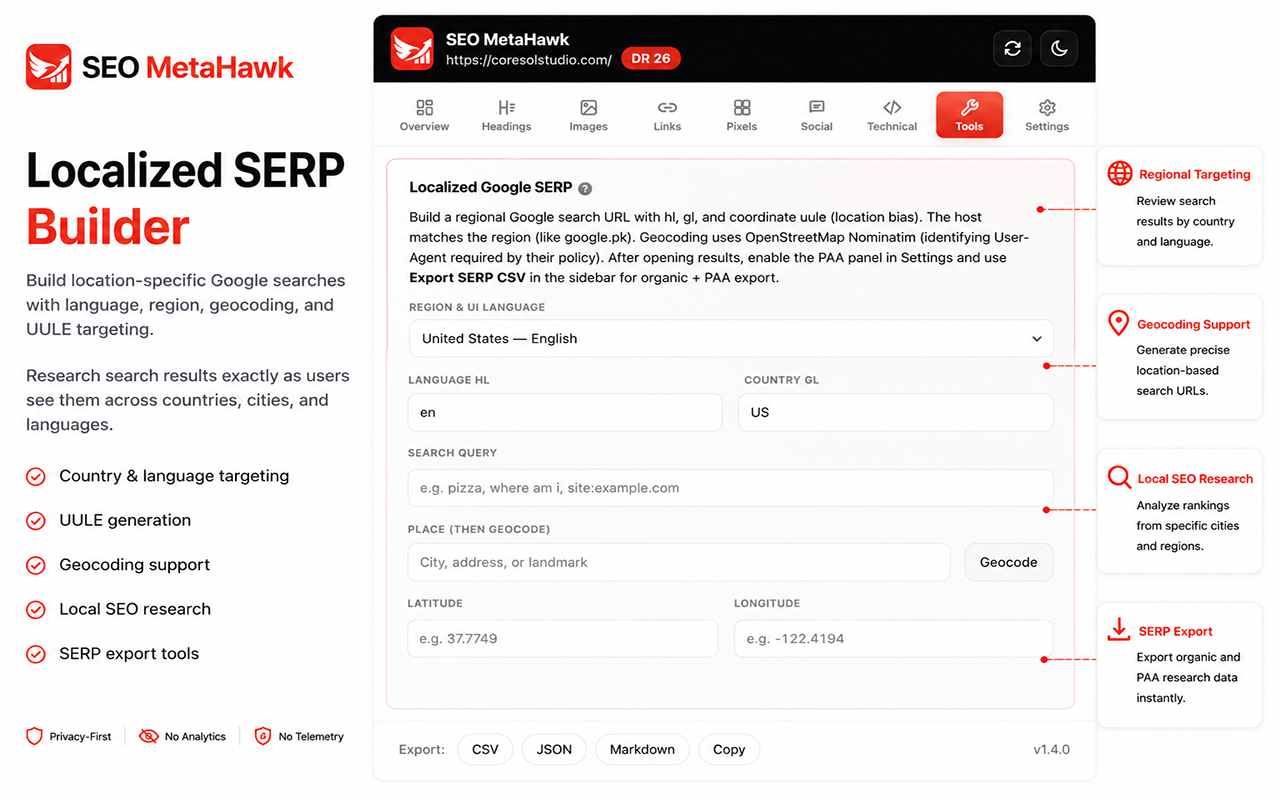
- Tools — localized SERP builder and 40+ external tools.
- Settings — theme, Domain Rating toggle, and preferences.
Keyboard shortcuts
- Alt+M Open the popup from any page
- 1–9 Switch between tabs
- / Focus the filter on Images and Links
- Esc Clear filters and dismiss tooltips
Audit scoring
One pure function produces the 0–100 score. Deductions are 15 points per
high-severity issue, 8 per medium, and 3 per low.
Excellent · 90+
Good · 70+
Needs work · 50+
Poor · < 50
Exports
Every tab exports to CSV, JSON, or Markdown,
or copies a summary to the clipboard. Localized SERP results export organic listings and
People-Also-Ask to CSV.
Privacy
No accounts, analytics, telemetry, or remote logging. Audits and scans run locally.
Network calls only happen when you trigger them (link / robots checks) — and the optional
Ahrefs Domain Rating lookup sends only the bare hostname, toggleable in Settings.

 Add to Chrome
 Add to Firefox